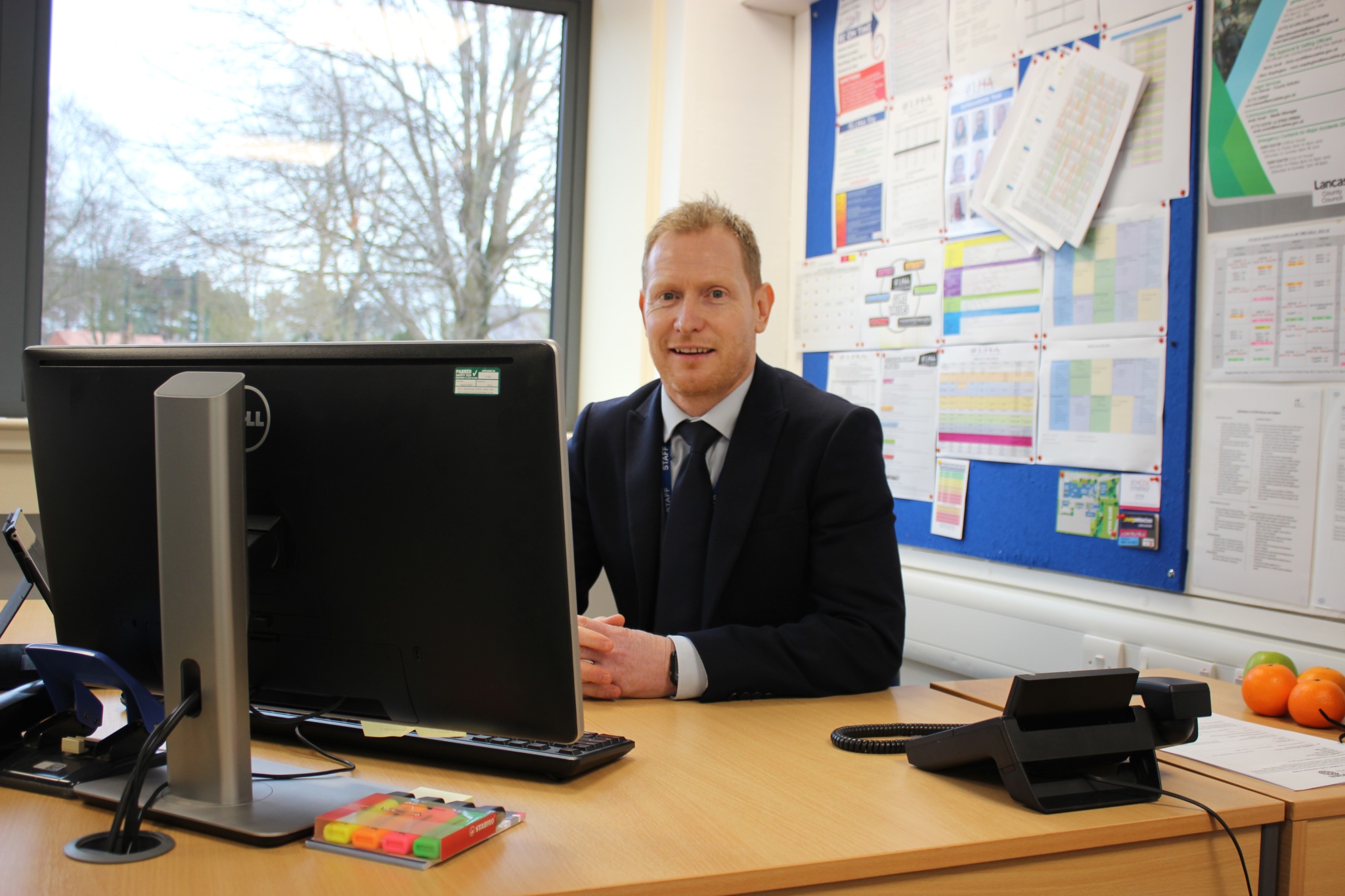
Safeguarding at Lostock Hall Academy
At Lostock Hall Academy, safeguarding is at the heart of everything we do. We are dedicated to our vision of creating a safe, inclusive and supportive environment where every student and member of staff feels valued, respected and protected.
All staff share a collective responsibility for safeguarding and are committed to ensuring that every student receives the support they need at school, at home and within the wider community. Our dedicated Safeguarding Team works closely together, meeting regularly to identify needs, coordinate support and develop tailored plans for individual students and their families.
Students are taught about personal wellbeing and how to stay safe, both offline and online. Through education, guidance and open communication, we empower young people to make informed decisions, build resilience and develop the confidence to seek help when needed. Our safeguarding specialists provide expert advice and support, working in partnership with external agencies to ensure the best possible outcomes for our students and families.
Please take the time to reflect on our Safeguarding information and Online Safety Guidance. If you are concerned about a child at the Academy, please contact us at admin@lostockhallacademy.org asking for a member of the Safeguarding Team to get in touch.
Report Harmful Online Content (RHC)
The Report Harmful Content (RHC) button is a service provided by SWGfL, a charitable organisation that works nationally and internationally to help people benefit from technology safely and responsibly.
The RHC service has been developed to provide anyone living in the UK with a simple and accessible way to report harmful online content. It offers direct links to reporting routes for many commonly used social media platforms, gaming services, apps and streaming sites, alongside trusted online safety advice, guidance and support.
For individuals aged 13 and over, the service also provides an additional reporting mechanism where harmful content has already been reported to the platform concerned but no action has been taken. In these cases, the RHC team will review the content against the platform's community standards and, where appropriate, act in a mediatory role to help resolve the issue.
Children under the age of 13 are encouraged to speak to a trusted adult about their concerns and seek support when making a report. Families may find the How We Can Help guidance resource particularly useful when navigating this process together.
The RHC service also provides information, advice and reporting guidance on a range of online harms, including:
- Online abuse and harassment
- Impersonation and fake profiles
- Privacy violations
- Threats and intimidation
- Bullying
- Intimate image abuse
- Other forms of harmful online content
The RHC Button Provides Access To:
- Reporting routes on commonly used websites and platforms for a range of online harms.
- Practical advice, guidance and support for anyone experiencing or witnessing harmful online behaviour.
- Direct links to industry reporting tools and, where appropriate, the ability to report legal but harmful content to the RHC service for further investigation.
Reporting to RHC
Reports can be submitted online at any time, 24 hours a day, 7 days a week. Once received, RHC practitioners aim to review and respond to reports within 72 hours, during their operating hours of 10:00am to 4:00pm, Monday to Friday.
Anyone aged 13 or over can make a report directly to the RHC service. As SWGfL operates several specialist helplines, users are encouraged to review the Helpline Flowchart to identify the most appropriate source of support for their circumstances.
Through initiatives such as Report Harmful Content, we continue to support our vision of nurturing confident, resilient and responsible young people who can engage safely and positively with the digital world, both now and in the future.

Safeguarding Team
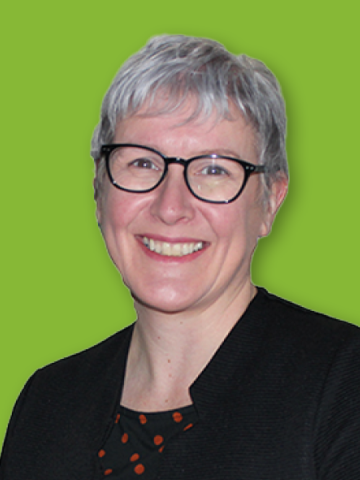
Mrs J Butterworth
Principal

Mr N Clitheroe
Senior Assistant Vice Principal Designated Safeguarding Lead
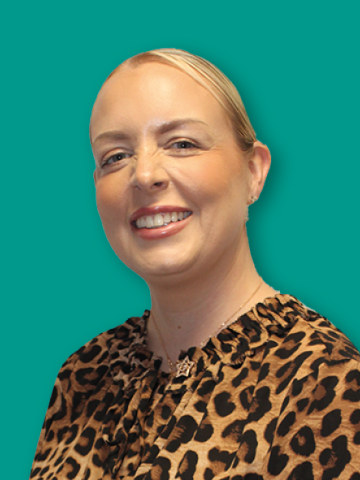
Miss K Gregson
Deputy Designated Safeguarding Lead

Mr J Doyle
Deputy Designated Safeguarding Lead
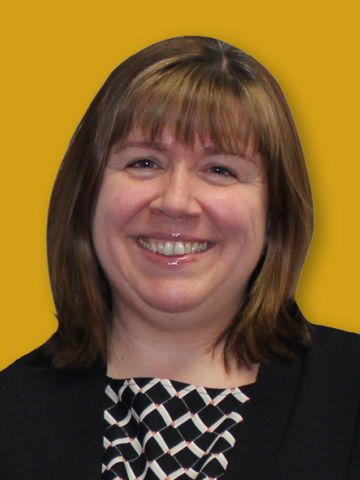
Mrs N Tucker
Senior Assistant Vice Principal
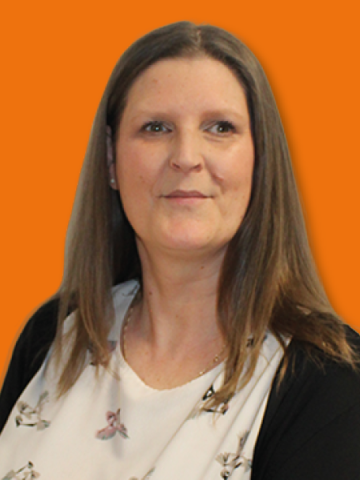
Miss P Budd
Attendance & Family Liaison Officer
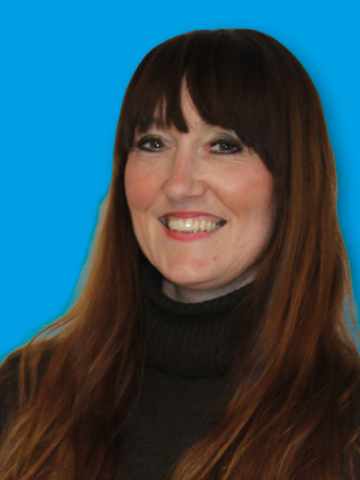
Miss V Gregson
SENDCo
Safeguarding
Domestic Abuse - Operation Encompass
Safeguarding Information
Online Safety Video Guides
Users of these video guides do so at their own discretion. No liability is entered into. Current as of the date released.
Setting up Parental Controls on an iOS device with Family Sharing
Setting up Snapchat Family Centre
Roblox Parental Controls and Privacy settings
Spotlight on Safeguarding
Previous Editions
Online Safety News
Previous Editions
.jpg)